
This article may include affiliate links.
So you read about someone making money selling their designs online. Something that seemed pretty simple, and then you became overwhelmed trying to figure out where to start.
Well you’ve come to the right place! Like you I don’t like sites that tell you you can sell your designs online but then don’t really break it down for beginners, or make you have to buy a course to find out the basics. I feel this should be free so here is my blog post which I hope will clear the waters a bit.
So what am I going to include in this post?
- What I do and what I have identified as the simplest way to achieve it.
- How to maintain a higher standard in my work. Not all digital files are created equal.
- Places where you can get eyes immediately on your work and possibly selling your files within a very short period of time.
Where to Start
First and foremost, you need inspiration, an idea of what type of digital files you want to sell. Are you creating them from scratch in Procreate, Adobe or Affinity? Or are you using images generated by AI that you are enhancing? The workflow will depend on what your starting point is.
Blank Slate: If you are creating digital files from scratch then it might be best to do some test runs before spending too much time creating a set of 25 SVG, or a themed pack of digital papers. Is your idea marketable? Does it have a demand? Is there a large group of individuals who are grossly underserved in that area? For example, you love ants and want to make ant-themed digital papers. Do you know other ant enthusiasts that would enjoy your creations? Did you see a lack of these types of items in marketplaces like Etsy and Creative Fabrica? A lack doesn’t necessarily mean you will sell them like hot cakes, but them already existing also doesn’t mean you won’t make money.
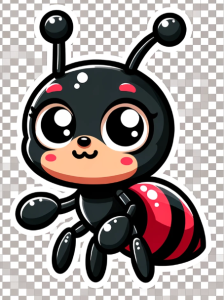
AI Base: If you are starting with AI generated images, the same rules apply, however productivity and output will be much higher than starting with a blank slate. AI can help you come up with new ideas very quickly as well as helping you with creating collections of images by providing appropriate prompts. I like to use both ChatGPT/Dall-E and Midjourney for this purpose as they both have their pros and cons. I do not recommend Dall-E for photorealism. Stick to Midjourney for those.
While starting from a blank page can give you the ability to create an SVG from scratch and take it to market, starting with an AI image will require extra steps before your product can be sold. AI images that you intend to use for digital papers, must be upscaled. Then they would need to be put through an image editor and their dpi changed to 300dpi. I use Upscayl to batch upscale my images (Currently free but you can donate to help the developers!).
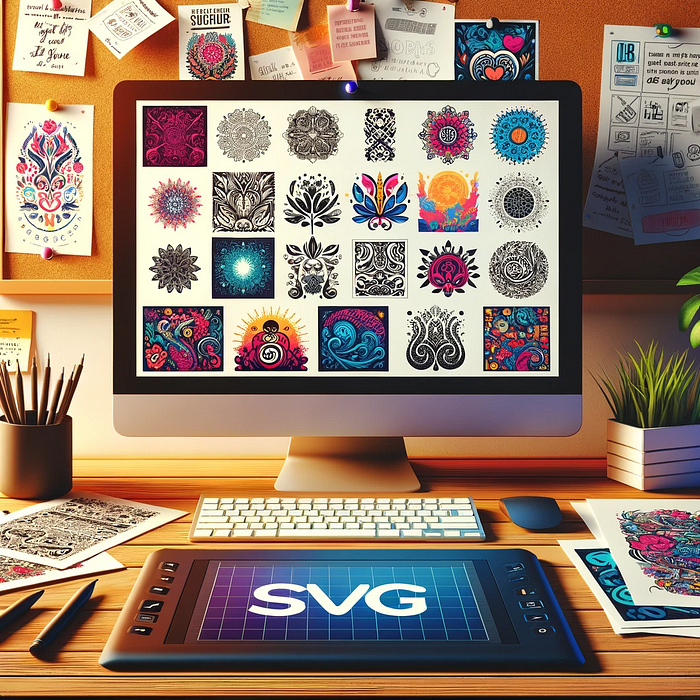
Creating a vector, aka SVG file, using AI would require some manipulation in a graphics software before that SVG could exist. I use Inkscape and you can read about my process here, and is free. If you don’t know what an SVG is, these are images that can be scaled and not lose resolution, keeping their crisp outlines. They tend to be used for cutting machines and laser engravers/cutters so are usually flat in color. But can also be used for print on demand services for t-shirts. See my SVGs for sale here as an example.
High Standards
This brings us to the next topic. Making sure what you are creating is of high quality. Since generative AI became public and easily accessible, there has been a flood of “bad” art in the digital file arena. Images where animals have 5 legs, distorted faces, strange hands and digits. You get the idea. There has been a strong lack of quality control when it comes to images. The same began to happen on the written side of things, but Google changing its algorithm curbed that trend, and many sites that focus on written content have had to put their foot down as well.
When you get your images from AI, make sure they are upscaled and resized to 300dpi. This is to ensure crisp detail and print quality. If there are extra hands, arms, or even antlers on that deer, use an image editor to fix it. Canva Pro has an AI corrector as well as Adobe Photoshop. Midjourney even has one built in so you can fix it before even downloading!
If you are creating the art yourself, then you will need to make sure your images are clean, organized, and the correct size for print. Again 300dpi is the norm. If you are creating SVGs then you may want to throw the designs into Silhouette Studio or Cricut Design Space to see how they will cut to make sure that anyone purchasing those designs will have a good output. Silhouette Studio Business allows for you to edit and create vectors, and then save them to your computer. Cricut has a very basic editor and does not allow you to download.
How to Sell
If you’ve been doing any research for any period of time, you will undoubtedly come across sites mentioning Etsy and Creative Fabrica as potential avenues for visual artists. Both see a huge amount of traffic and have a lot of registered users. This kind of exposure will fast track to sales as long as your listing is SEO optimized. Without optimization, it doesn’t matter which platform you choose, your store will be dead in the water. Make sure to pick the right title, description and long keyword tags, so that you show up in the first few pages of Etsy search and get picked up by Google.
Formatting
Formats provided are really up to you. Some designers only offer SVG or PNG files, while others will offer SVG, PNG, JPEG, PDF and EPS so you get maximum compatibility. All have their pros and cons but I find SVG and PNG to be the main formats for clipart. Make sure that any white background that is not crucial to the design, is removed and made transparent. This transparency does not carry over to JPEG format however. Removing the background can be achieved in Canva Pro and any image editing software on the market. This enables you to create mockups easily, and for your customers to buy and immediately place the image on whatever project without having to edit it first.
Mockups
What are mockups? Mockups are those product images that show you what your design would look like on a shirt, a card, in a picture frame, on a mug, bag etc… It helps the customer visualize how they can use your design. The more professional looking mockup, the better.
Another element to consider is to decide whether you will sell your graphics individually, as a bundle or both. Each option has its pros and cons, but no one can give you an absolute yes or no.
This was a quick overview of the process you can adopt to sell your SVG or graphics online. Any questions or if you have any other marketplaces you have seen success with, don’t hesitate to comment below!
If you have an image you want vectorized or need images that you just don’t feel like spending time doing yourself, please feel free to contact me through my Contact page as it is a service that I offer.
If you are enjoying my content, don’t forget to sign up for my new Brigantia Arts newsletter where I explore and share my blog as well as freebies for the Art and Crafters.
Leave a Reply